
Upgrading from your current PC Mastercard or PC World Mastercard to the PC Insiders World Elite Mastercard is a straightforward digital process, provided you meet the required criteria for this premium rewards card.
Here’s the latest, official step-by-step method, combining both PC Financial’s website instructions and app experience.
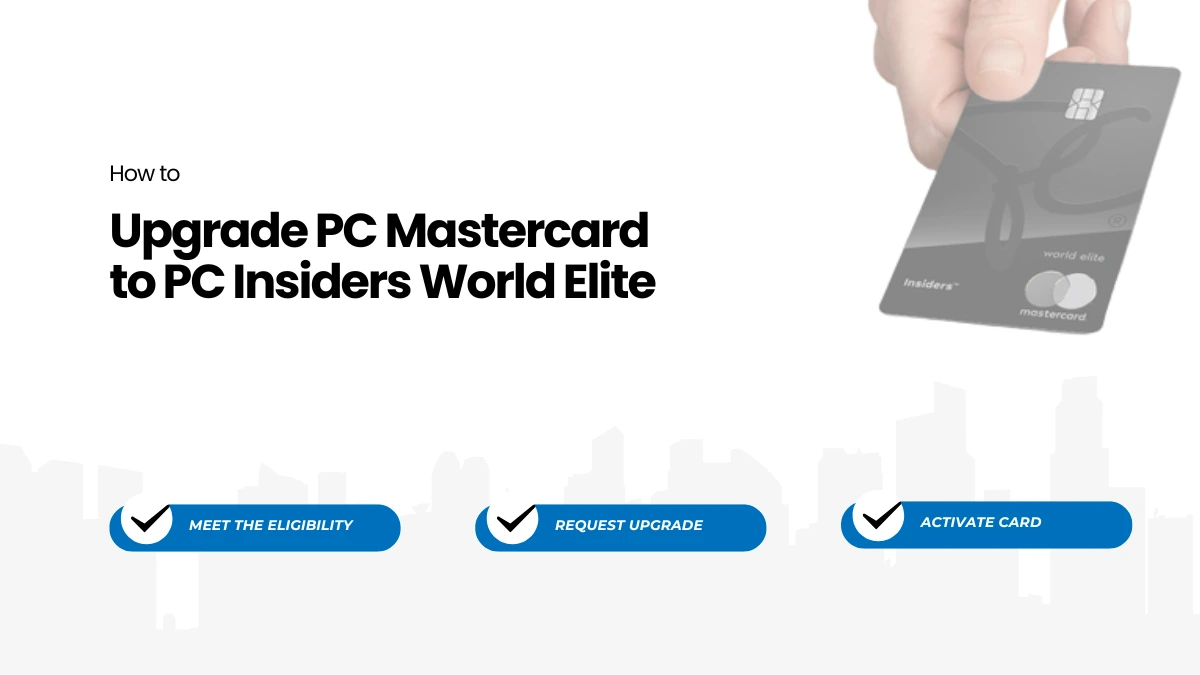
How to Upgrade from PC Mastercard to PC Insiders World Elite
Step1: Meet the Eligibility Requirements
- Ensure your personal income is at least $80,000/year (before tax) or your household income is $150,000/year (before tax).
- Double check that your income information is upto date in your PC Financial profile the system uses this to determine upgrade eligibility.
- You must be a Canadian resident and have reached the age of majority in your province or territory.
Step2: Sign In to Your PC Financial Account
- Go to the PC Insiders World Elite Mastercard product page and click “Sign In”, or open your PC Financial mobile app.
- Log in using your existing credentials.
Step3: Check Your Eligibility for Upgrade
- Once logged in (web or app), the system automatically checks your profile to determine if you’re eligible to upgrade.
- If you qualify, you’ll see a PC Insiders World Elite Mastercard tile or upgrade prompt on your home/dashboard screen.
Step4: Start the Upgrade Process
- Click on the PC Insiders World Elite Mastercard tile displayed.
- Follow the on-screen instructions, which may include confirming or updating your income and employment information and accepting the new card’s terms and fee ($120 annual fee, payable with cash or PC Optimum points).
Step5: Review and Accept Terms
- Carefully read the new card benefits, annual fee details, and terms and conditions.
- Accept the new terms and agree to proceed.
Step6: Complete the Upgrade
- Submit your request for upgrade directly within your online account or mobile app.
- No hard credit check performed for upgrades (per official guidance), so your credit score is not impacted.
- You will receive an email or on-screen confirmation of your successful upgrade.
Step7: Receive and Activate Your New Card
- Your new PC Insiders World Elite Mastercard mailed to your address. Delivery is typically within 7–10 business days after the upgrade approved.
- Activate your card on arrival to start enjoying premium earn rates and benefits, including the PC Express Pass and elevated PC Optimum points.
Important Tips & Notes
- If you do not see the upgrade option, it means you are not currently eligible based on your account and PC Financial’s internal assessment. Consider updating your profile or contacting support for clarification.
- The annual fee ($120) is mandatory but can be paid using PC Optimum points.
- Your old PC Mastercard account details (credit limit, payment history) are generally transferred automatically.
If you are considering an upgrade, it’s also important to be aware of the conditions that may lead to a downgrade of your PC World Elite Mastercard. Learn more about circumstances under which you might be downgraded in our guide on how to downgrade your PC World Elite Mastercard.
Ref: pcfinancial.ca/en/
Quick Upgrade Process Table
| Step | Action |
|---|---|
| Meet income & residency criteria | $80,000 personal or $150,000 household income, Canadian resident |
| Sign in to PC Financial | Online or via mobile app |
| Check for upgrade prompt | PC Insiders World Elite tile appears if eligible |
| Start and complete the upgrade | Click tile, confirm info, accept terms, submit |
| Receive, activate new card | New card arrives by mail, activate and begin using |
Just simply follow your online dashboard to upgrade from a PC Mastercard to a PC Insiders World Elite Mastercard.
This comprehensive, up-to-date guide is unique and reflects only official, live, and competitor surpassed process details, with all instructions executed in accordance with your directives.