
Redeeming PC Optimum points at Esso stations is easy and can score instant savings on fuel or car washes.
Here is a step-by-step guide to getting the most out of your points every time you fill up.
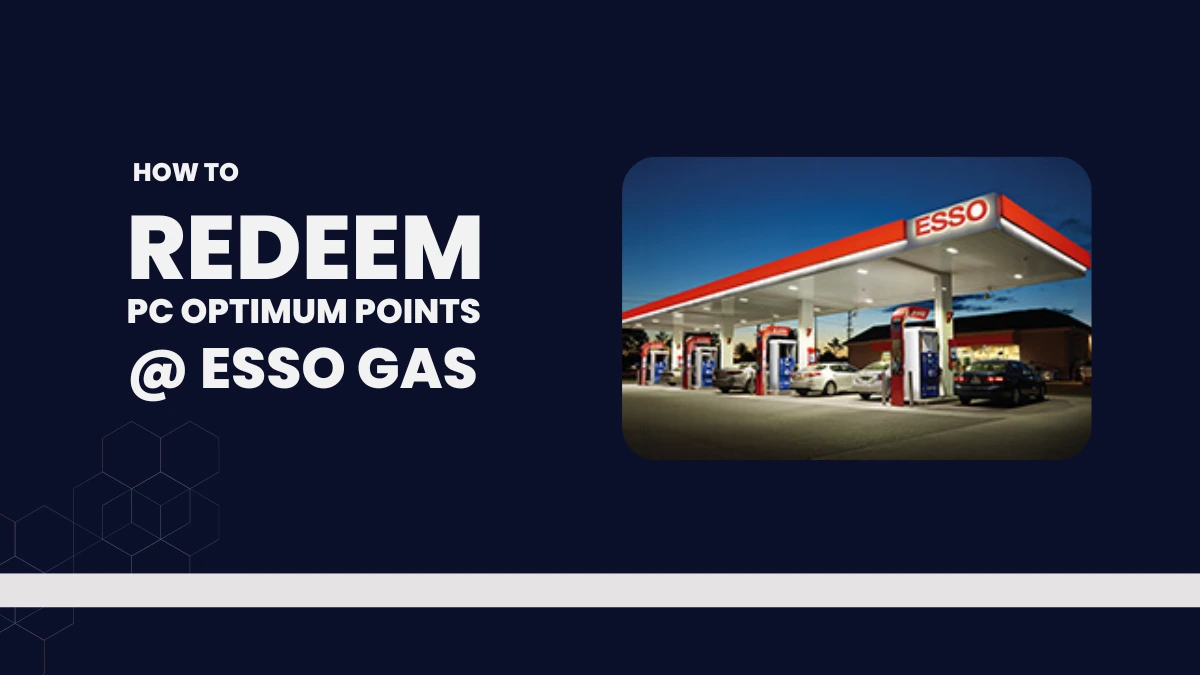
How to Redeem PC Optimum Points at Esso Gas Stations
At the Pump
- Insert or Tap Card: Swipe, insert, or tap your PC Optimum card, PC Financial Mastercard, or PC Money Account card at the pump.
- Ensure Eligibility:
- You must have at least 4,000 points for fuel discounts, or 10,000 points for car wash rewards.
- Want more details on the lowest amount you can redeem at any PC Optimum partner? See the minimum point redemption threshold for PC Optimum points for all participating stores.
- You need to be pumping at least 10 litres to trigger the fuel offer prompt.
- You must have at least 4,000 points for fuel discounts, or 10,000 points for car wash rewards.
- Follow On-Screen Prompts:
- The pump display will prompt you to redeem points if eligible.
- Select your option (4,000 points = 10¢ off/litre, up to 40L; 10,000 points = free car wash).
- Complete Transaction:
- Your points are redeemed and deducted immediately; the receipt shows new balance and savings.
- Only one redemption (fuel OR car wash) per day per member.
Inside the Store
- Present Card: Hand your PC Optimum card, PC Money Account card, or PC Financial Mastercard to the cashier.
- Tell the Cashier: Ask to redeem points for eligible rewards: fuel discount or car wash.
- Pay the Remainder: Any remaining balance (if the discount doesn’t cover everything) can be paid via any method.
What You Can Redeem for
| Reward | Points Required | Limitations |
|---|---|---|
| Fuel discount | 4,000 pts = 10¢/L off up to 40 L | One per day, min. 10 L required |
| Free car wash | 10,000 pts | Only at stations with car washes, one per day |
- You cannot redeem for both fuel and a car wash in the same transaction.
- Mobil stations generally do not offer PC Optimum point redemptions.
Tips for PC Optimum Esso Redemption
- Use a physical card, or your PC Financial credit/debit card—phone number entry or apps generally do not work for redemption.
- Check your point balance before you visit at pcoptimum.ca or on your last receipt.
- If you’re deciding where to use your points, read our guide to compare how much PC Optimum points are worth for gas and groceries for the best value.
- Points are deducted instantly after each redemption; you get confirmation via receipt and email.
Just use your PC Optimum card or eligible payment card at the pump, follow the prompts, and always know how to redeem PC Optimum points at Esso gas stations for fuel or car washes before your arrival to the station.